
Scale-aware text engine
Small files remain fully interactive. Very large files use indexed access, so you can inspect the visible area without loading the entire document into the interface.
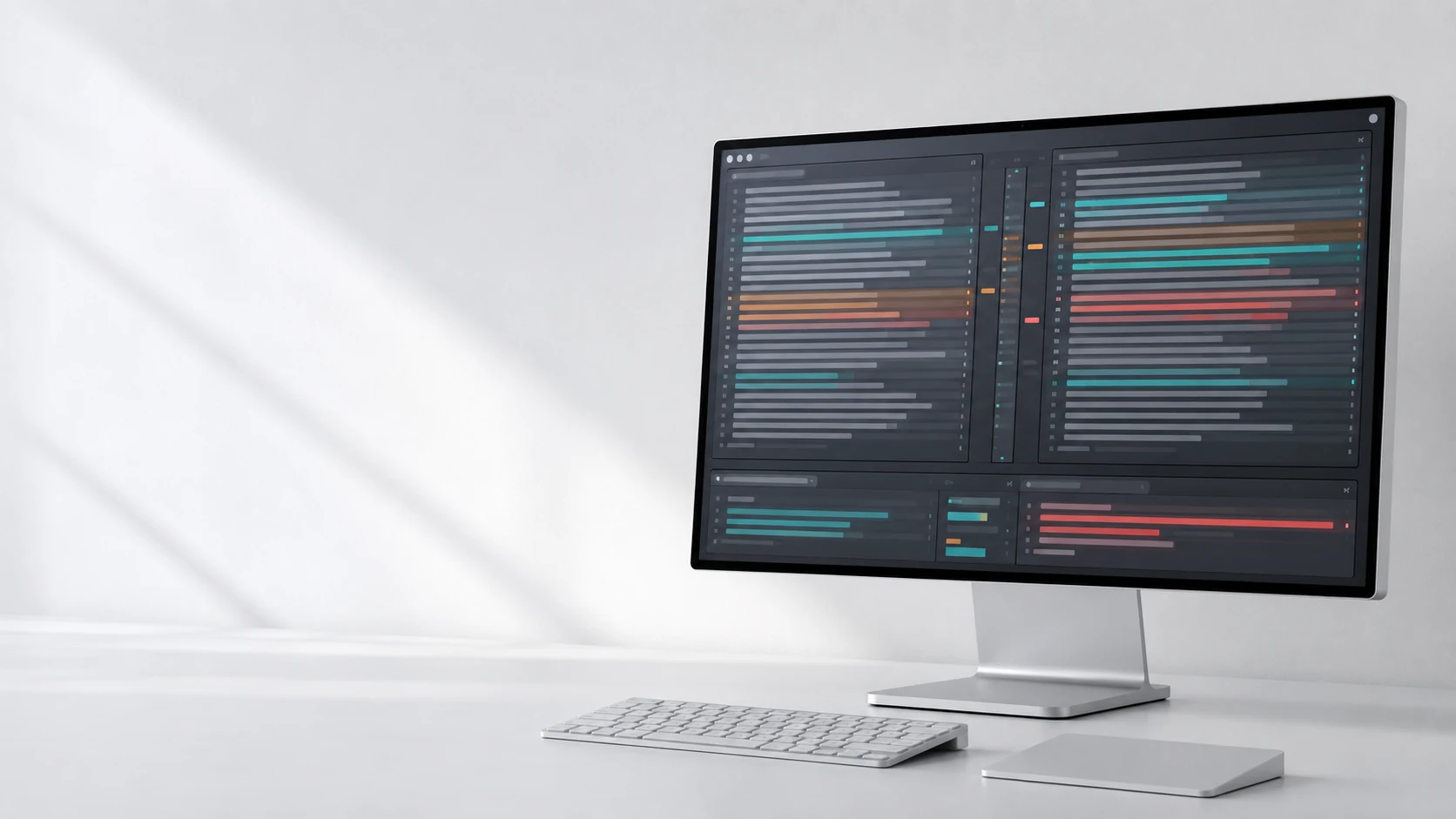
File comparison and merge, built for macOS
Review differences.
Resolve conflicts.
Compare text, folders, images and binary files on your Mac. Edit two-way differences, resolve three-way conflicts, inspect very large files and use MergeDock as a Git difftool or mergetool.
Free to start. Pro features are available as an in-app purchase. Requires macOS 26 or later.
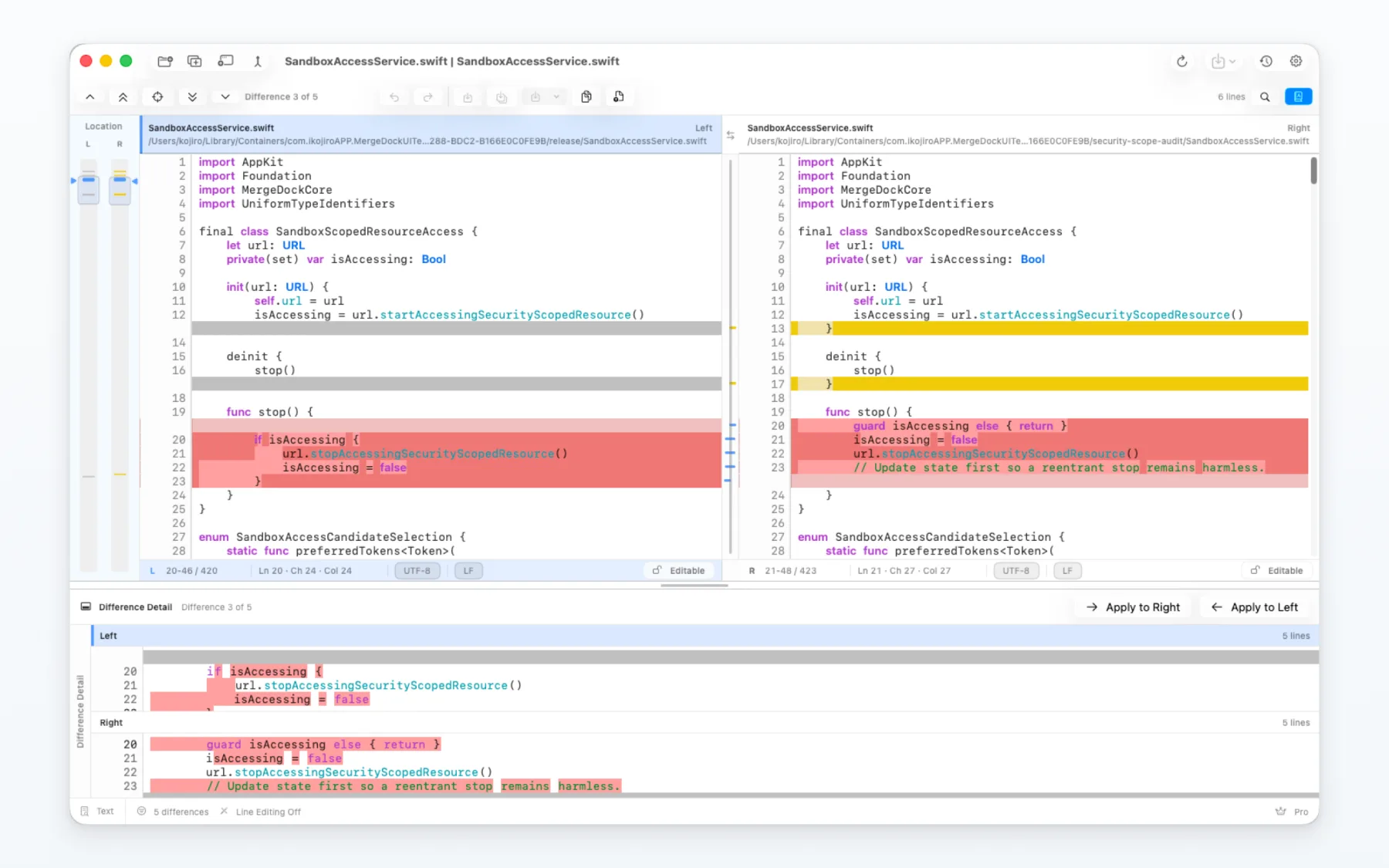
Review source files, differences and results together.
MergeDock keeps source files, difference navigation, merge actions, encoding controls and history in one place, so you can review changes, edit the result and reopen recent comparisons without switching between separate tools.
Synchronized panes, line and inline highlights, search, navigation, editing and encoding controls let you review a change and correct it in the same flow.
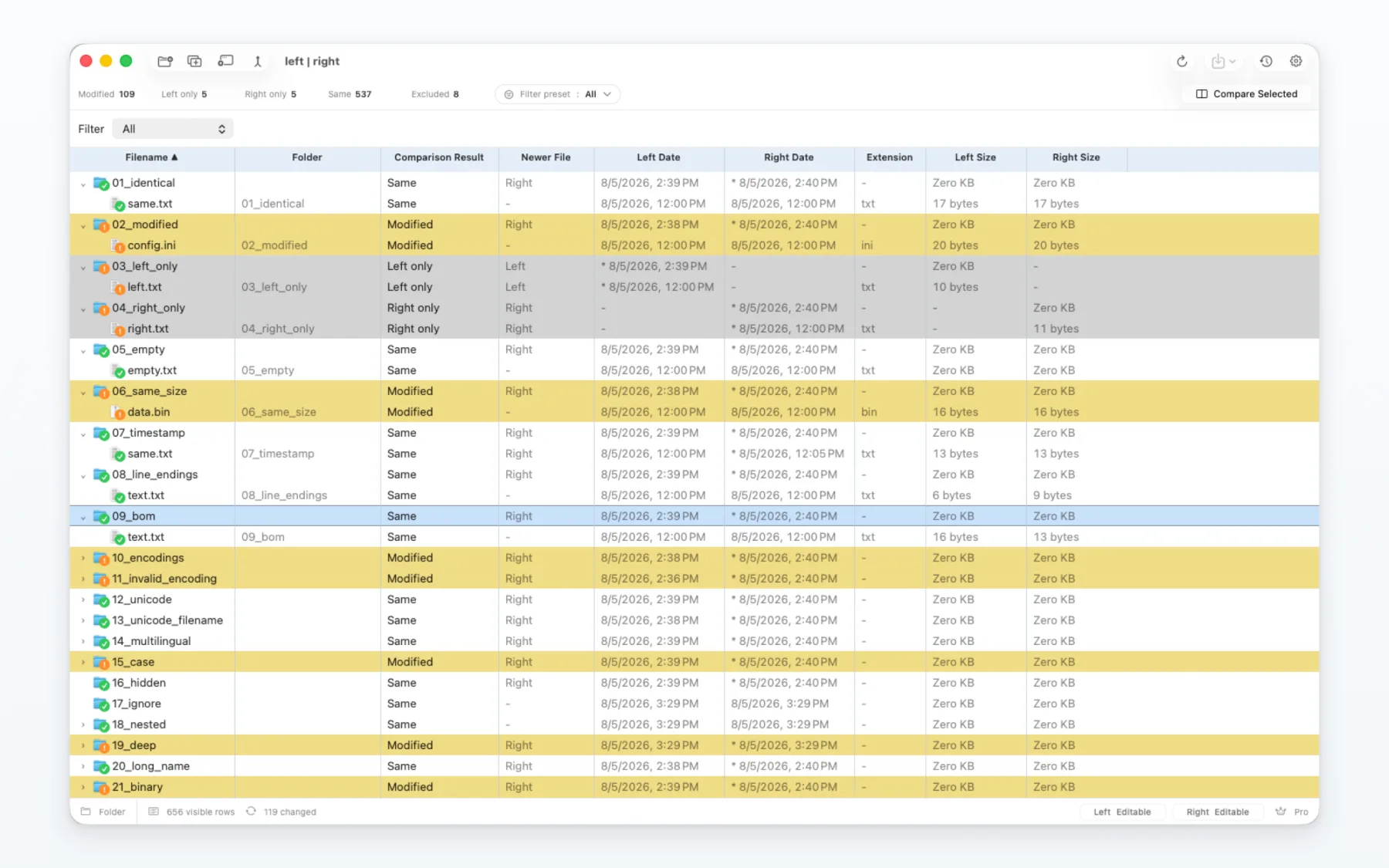
Compare nested folders, narrow the results, check metadata and open any file for a closer look. MergeDock asks before copy or delete operations change anything on disk.
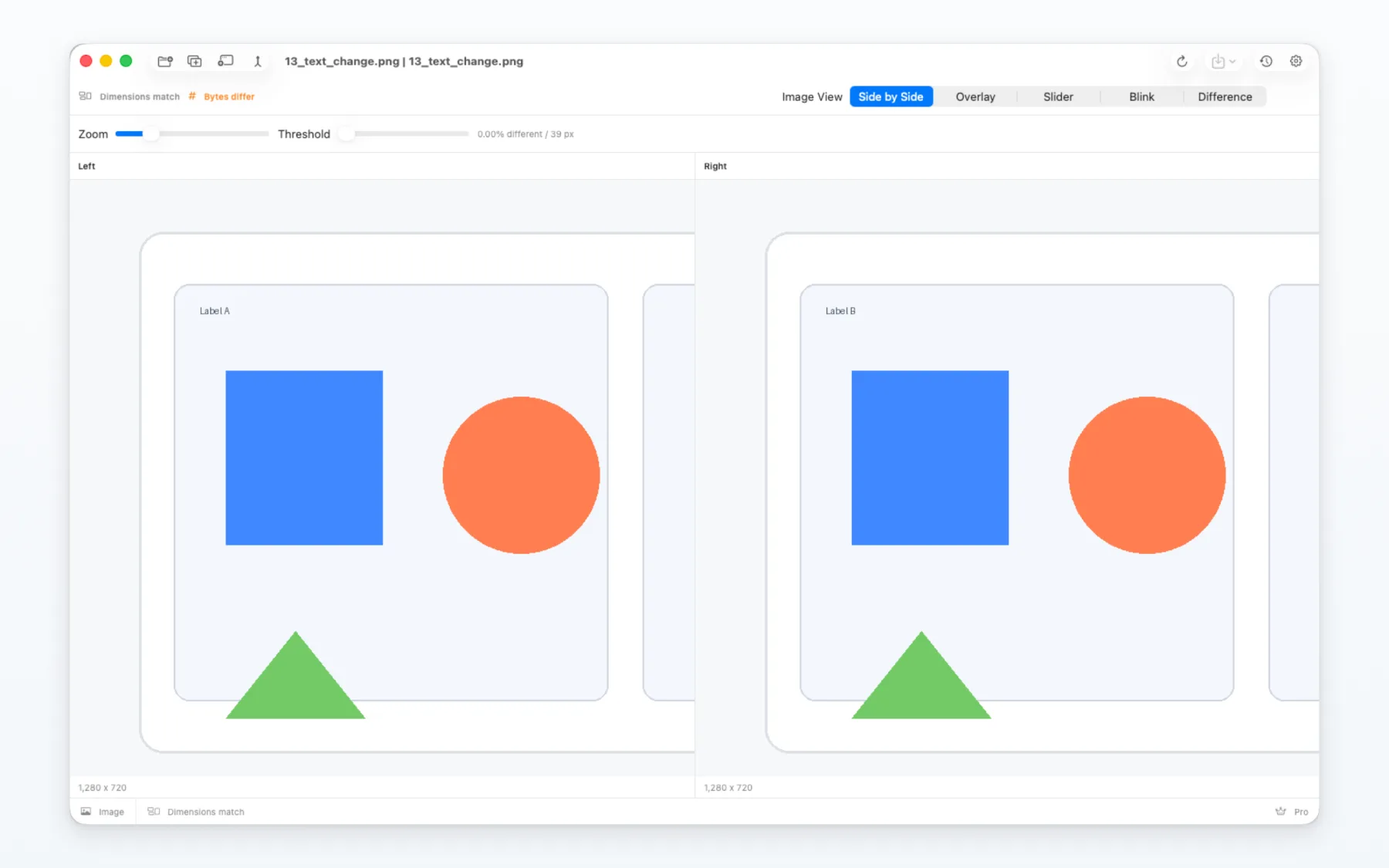
Check dimensions and pixel differences with side-by-side, overlay, slider, blink and difference views. Zoom and pan stay neatly inside the comparison area.
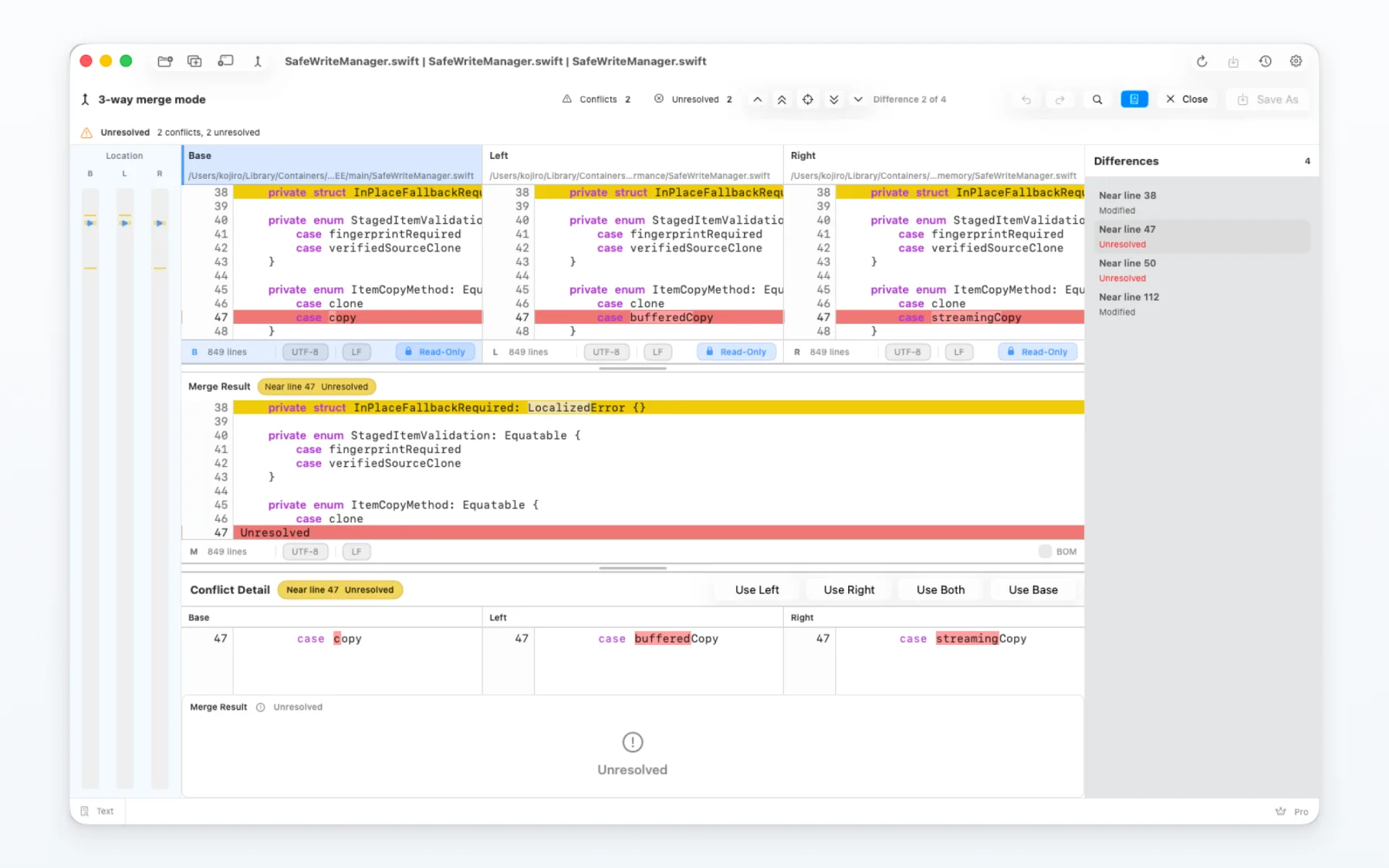
Base, left and right inputs stay synchronized with the merge result and conflict detail. Choose one side, combine both or edit the resolved result while the surrounding change remains visible.
Made for everyday comparison work
Small files remain fully interactive. Very large files use indexed access, so you can inspect the visible area without loading the entire document into the interface.
Check detected encodings, compare line endings and refresh how the current in-memory text is interpreted whenever you need to.
Reopen recent comparisons, pin important sessions, notice external edits and restore the original file when an interrupted or failed save leaves recovery data.
Move between differences, page through a file, jump to the beginning or end, search and refresh while keeping your focus on the comparison.
A straightforward workflow
Open, review, resolve and save.
Review source files, differences and results together.
MergeDock asks before accessing the files and folders you choose, and remembers that access only where macOS allows.
The app does not include advertising SDKs or cross-app tracking.
Settings, history, recovery data and access bookmarks remain in the app environment, with controls available inside MergeDock.
A straightforward workflow
Choose files or folders, or start from Git. MergeDock opens the comparison that fits the selected content.
Navigate differences with synchronized panes, overview bars, detail views, search and keyboard commands.
Apply the side you need, edit where allowed, review any external changes and save when the result is ready.
FAQ
MergeDock requires macOS 26 or later and is distributed through the Mac App Store.
If an unexpected termination or write error leaves recovery data, open Recovery Center from Settings > Recovery and Storage to review it. Edits explicitly discarded when closing a comparison cannot be recovered.
Yes. MergeDock can be configured as a Git difftool and mergetool while remaining compatible with the Mac App Store sandbox model.
The free version includes core comparison and merge workflows. Pro removes upgrade prompts around supported actions and unlocks the advanced image comparison and expanded recent-history features shown in the app. Current product information and regional pricing are displayed by the App Store.
Get MergeDock from the Mac App Store and keep text, folder, image and merge work together in one focused app.